New Customer Information System

Sunday January 11, 2026

Exciting improvements are coming to BTES in January 2026!

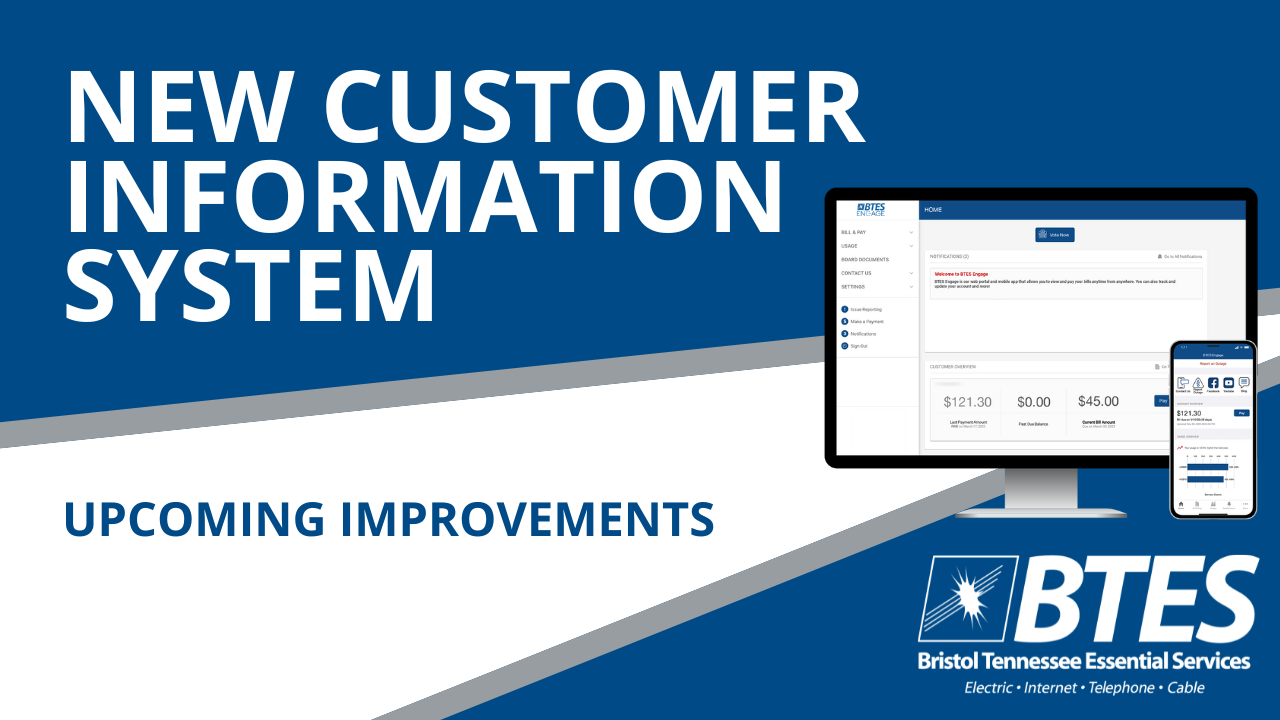
We have launched a brand-new customer information system designed to make your account easier to manage.

New BTES Mobile App & Customer Portal

Apple STore      Google Play

Download the new BTES mobile app from the app store and set up your account. Once you are logged in, you will be able to view and pay bills, manage account notifications, enroll in BTES programs, and much more – all from one convenient place.

The previous BTES mobile app and Customer Portal are closed. You can delete the BTES mobile app from your device.

How to Register for BTES Engage Mobile App


VIDEO LIBRARY

UPCOMING IMPROVEMENTS COMING TO BTES

TRANSITIONING TO THE NEW SYSTEM

AVAILABLE PAYMENT OPTIONS

MOBILE APP & CUSTOMER PORTAL

OVERVIEW & TIMELINE OF CHANGES
 

FREQUENTLY ASKED QUESTIONS

  • How do I download the new BTES ENGAGE mobile app?
    Search for BTES ENGAGE within your device's app store and select download.
  • How do I create an account in the new BTES mobile app?
    Once you have downloaded the mobile app on your device, open the app and select "Register Now." This will walk you through the steps to setup your account. You will need your BTES account number.
  • Why did BTES change everything?
    Our customers have been asking for a more user-friendly experience and we have been looking for ways to improve our overall efficiencies. We recognize that change is hard, but we know the results are going to be worth it in the end!
  • I was on Auto Pay using my credit card. Why didn't my payment go through?
    To comply with national security standards, Auto Pay information including credit/debit card numbers and e-check information was not transferred to the new system. Automatic payments through a credit/debit card or e-check are no longer available. Credit/debit cards and e-checks can be stored in the new system and used for one-time payments only. A $2 convenience fee will apply.
  • What is Auto Pay through Bank Draft?
    Auto Pay through Bank Draft is the most convenient way to pay your bill - and it is free! It connects directly to your checking or savings account using your routing and account number. Bank Draft is automatically drafted on your due date. Sign up via the new BTES ENGAGE mobile app!
  • Can I still pay using the automated phone system?
    Yes! You may make one-time payments via credit/debit card or e-check through our automated phone system. You can also hear your balance and due date and set up payment arrangements through the automated phone system.
    • Why is the BTES mobile app not working anymore? 
      Download the new BTES ENGAGE mobile app from the app store and set up your account. Once you are logged in, you will be able to view and pay bills, manage account notifications, enroll in BTES programs, and much more - all from one convenient place. The previous BTES mobile app and customer portal are closed and can be deleted from your device.

Not a BTES customer yet?

Sign up for Internet, phone, and cable TV services!

ORDER NOW!   Build Your Own Offer

Order By Phone: 423-968-1526